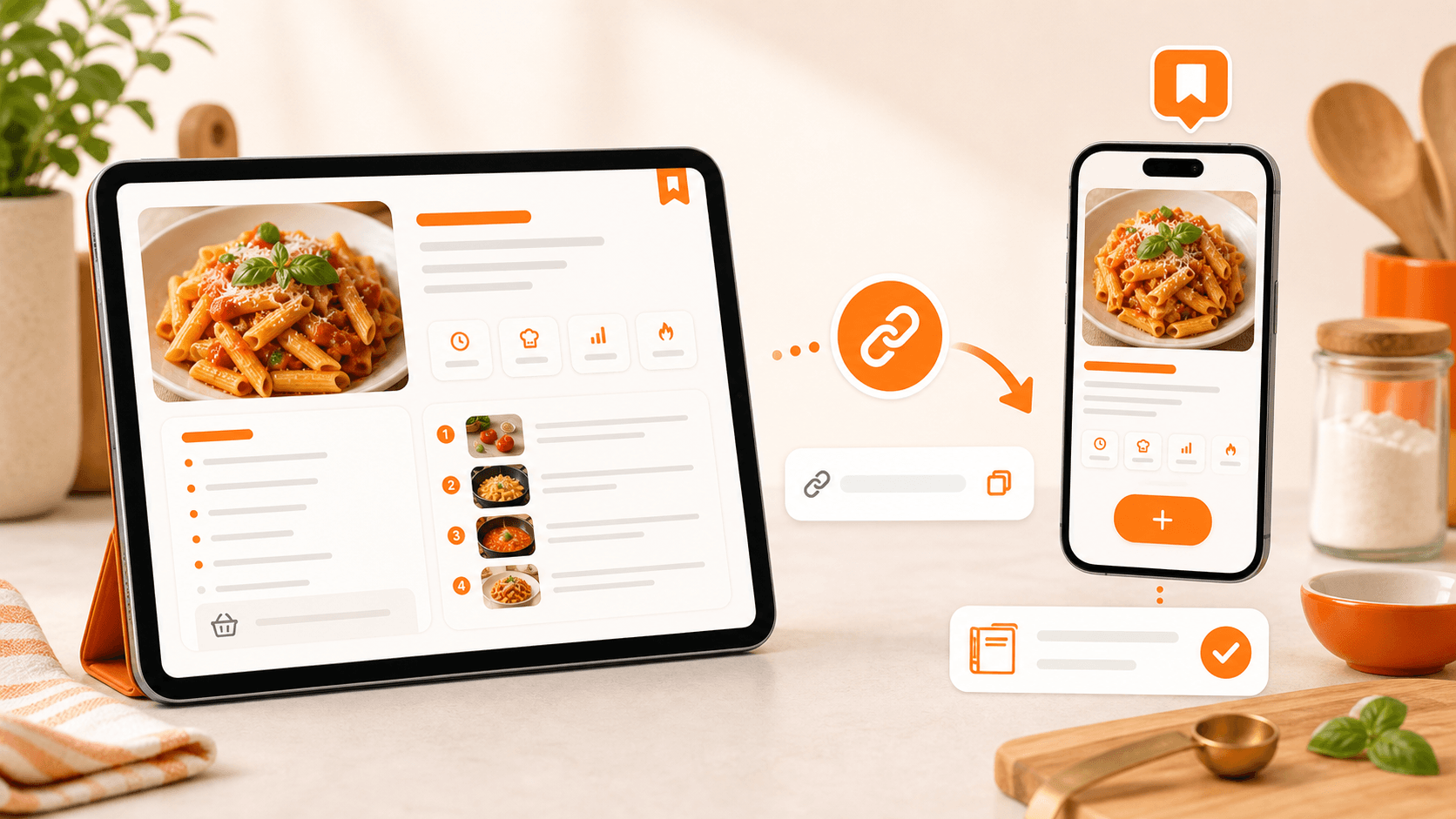
Recipes saved everywhere
Posts, reels, screenshots, PDFs, chats and notes end up in different places. When you want to cook, you waste time searching.
Digital cookbook
Paste a link, a photo or the text: myCookSnap creates an organized card you can find when you cook.
1 month of Plus included · No card required · No charge
Demo
See an example recipe turned into an organized card, ready to review and save.
The demo does not require an account. To save recipes in your cookbook, just sign up for free.
Posts, reels, screenshots, PDFs, chats and notes end up in different places. When you want to cook, you waste time searching.
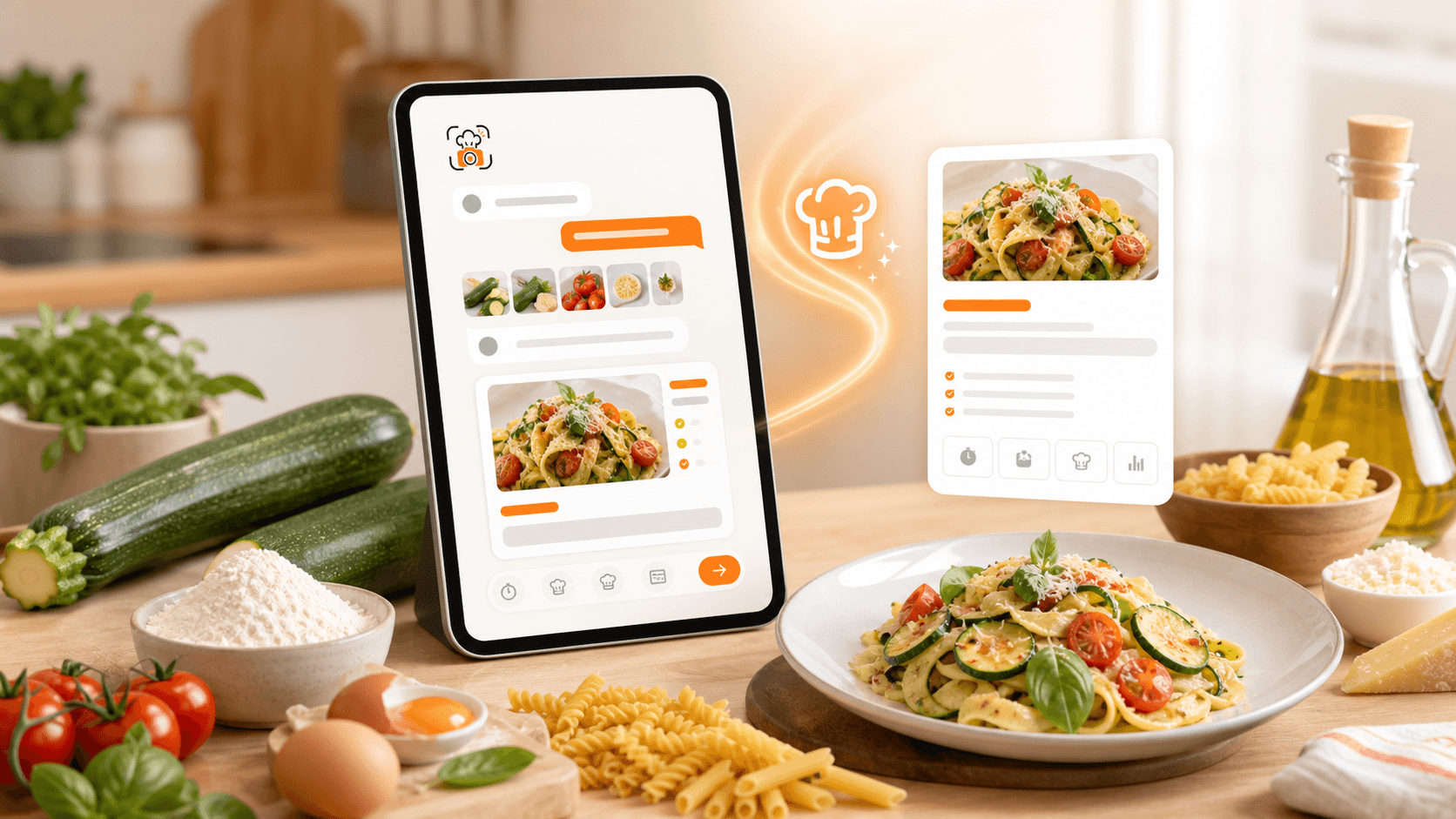
myCookSnap creates a preview with ingredients, quantities, times and steps. You review and fix it before saving.
Search by title, ingredient, source, category, notes or collection and open the right recipe fast.
myCookSnap does more than save recipes: it helps you use them while cooking and when planning the week.
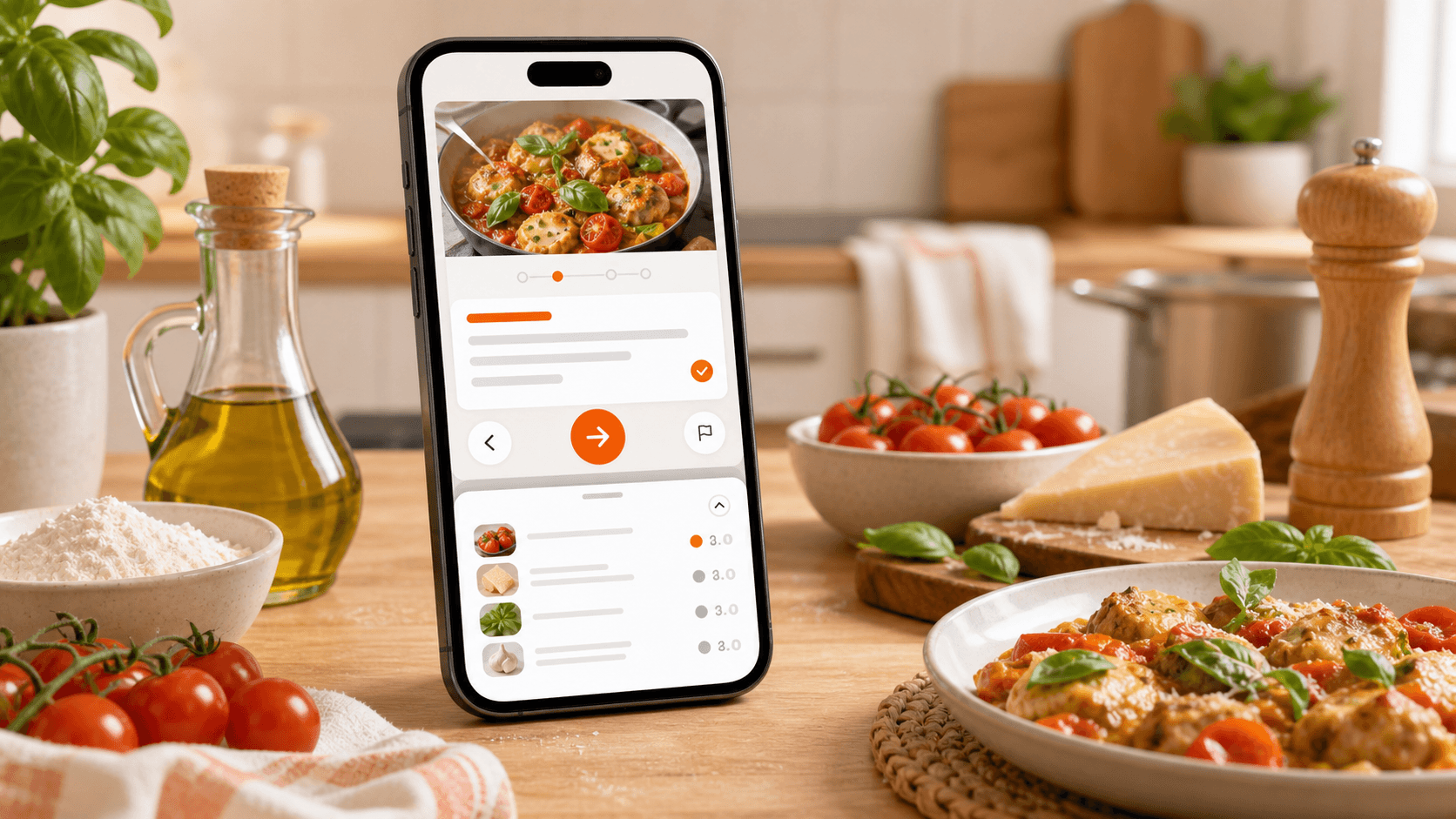
Cooking Mode
IncludedFollow the recipe step by step and open ingredients when you need them. No more scrolling up and down the card while cooking from your phone.
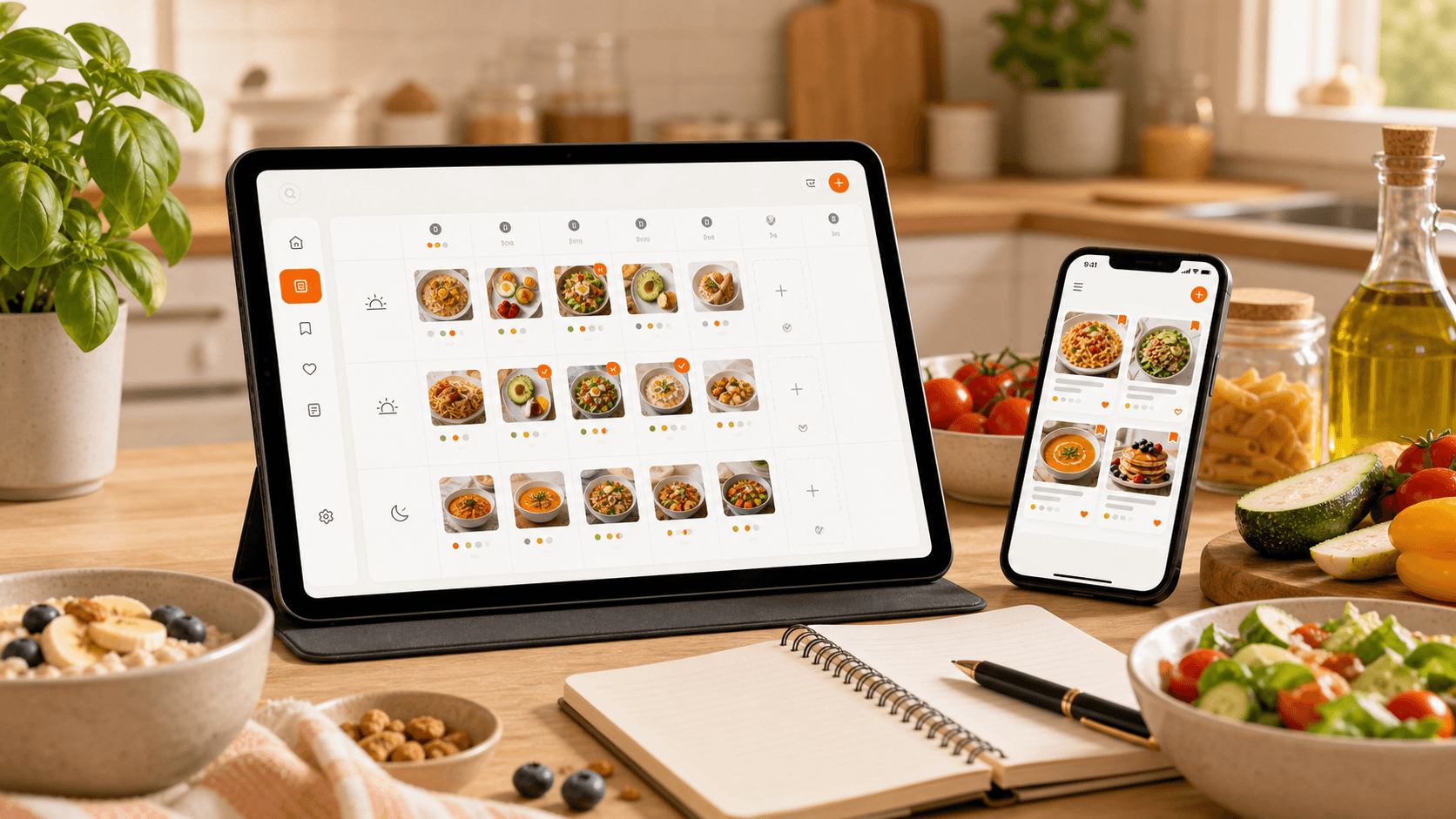
Plan your week
PlusCreate breakfasts, lunches and dinners from the recipes in your cookbook and the preferences in your profile. If a recipe is missing, you can create a custom one.
Save links, photos, PDFs and notes in your digital cookbook.
Adjust quantities, servings, steps, notes and times.
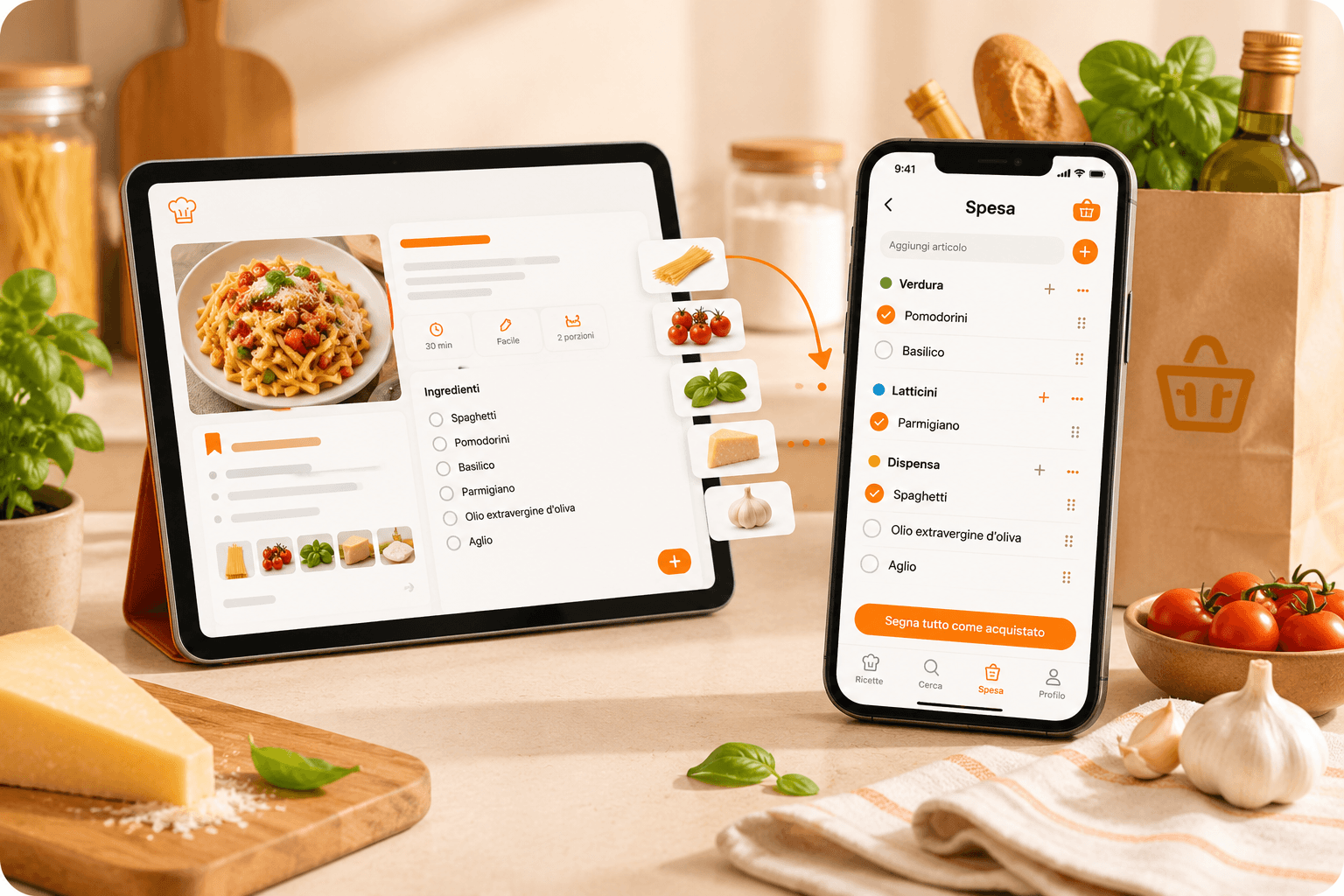
Add only the missing ingredients to your list.
Instagram, TikTok, YouTube, blogs, photos, PDFs, screenshots and notes: start from the source you have and create an organized card.
Search, edit, add notes, print or use the recipe to create a shopping list.
Start from the ingredients you have at home and create a custom recipe to save in your cookbook.
Practical guides
Learn how to save, organize and use your recipes better.
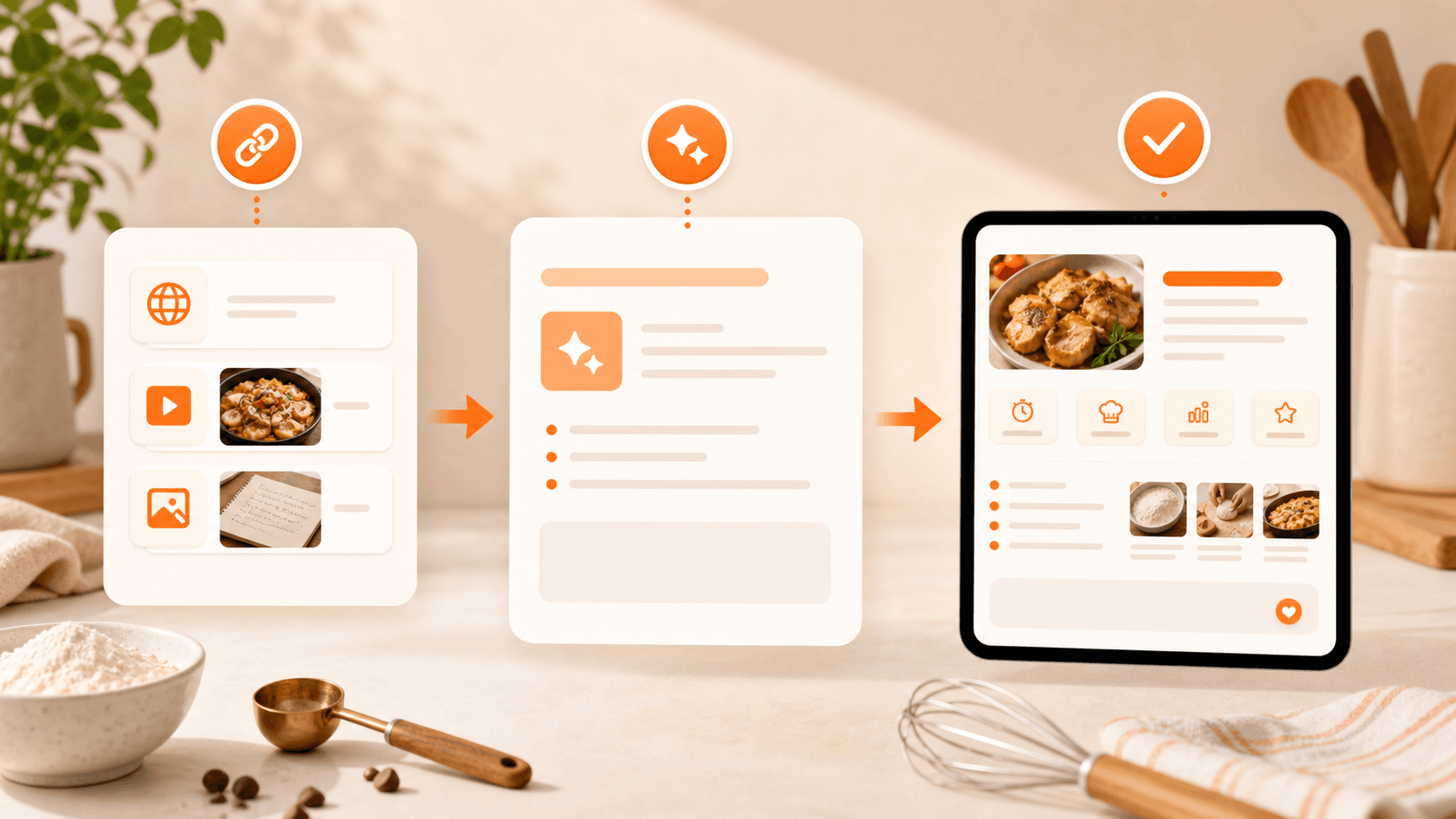
myCookSnap turns recipes from social media, websites, PDFs, screenshots and notes into clean cards saved in your personal digital cookbook.
Read the guide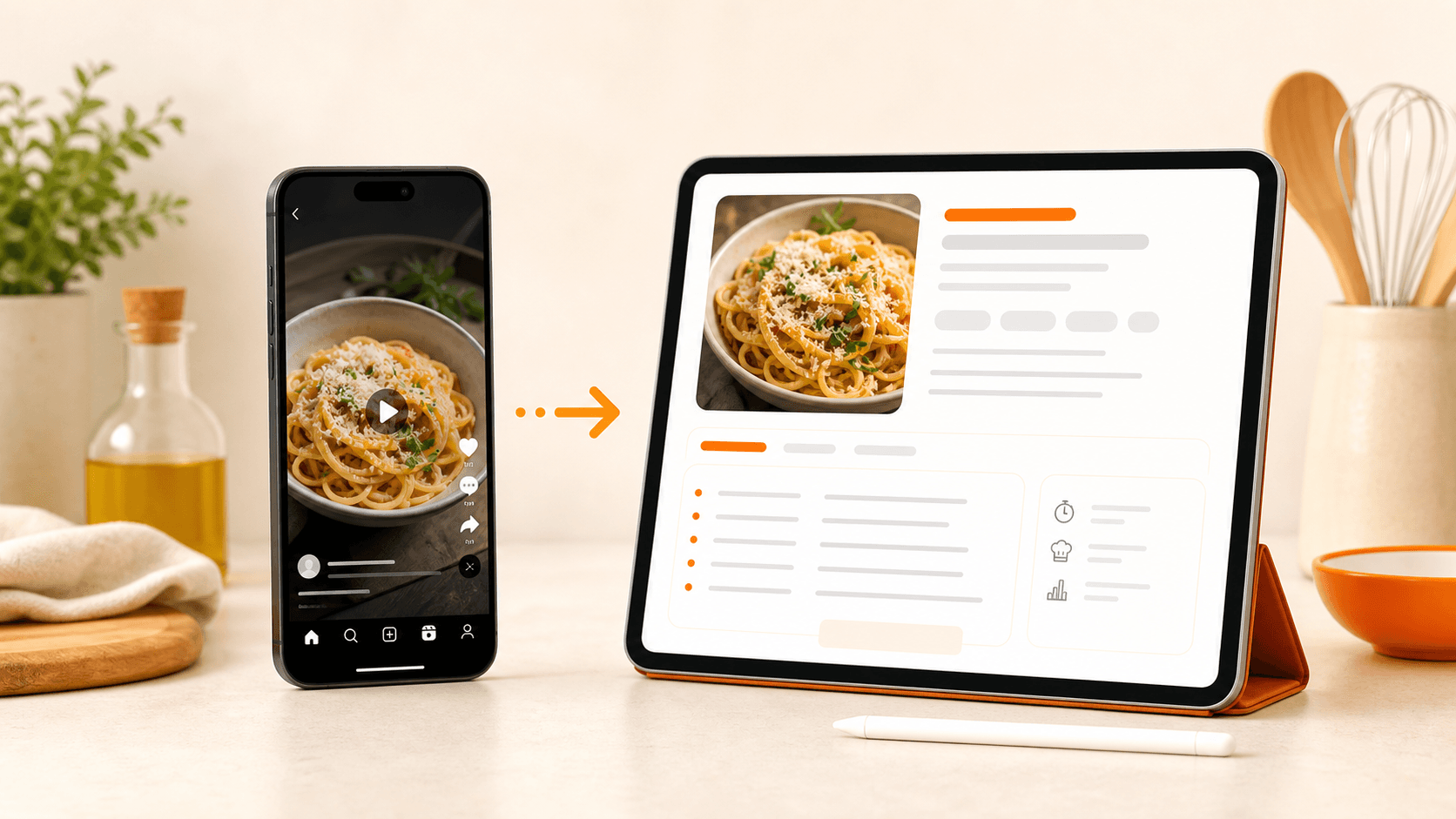
Turn recipes from Instagram, TikTok, YouTube, blogs, websites and screenshots into organized cards saved in your digital cookbook.
Read the guide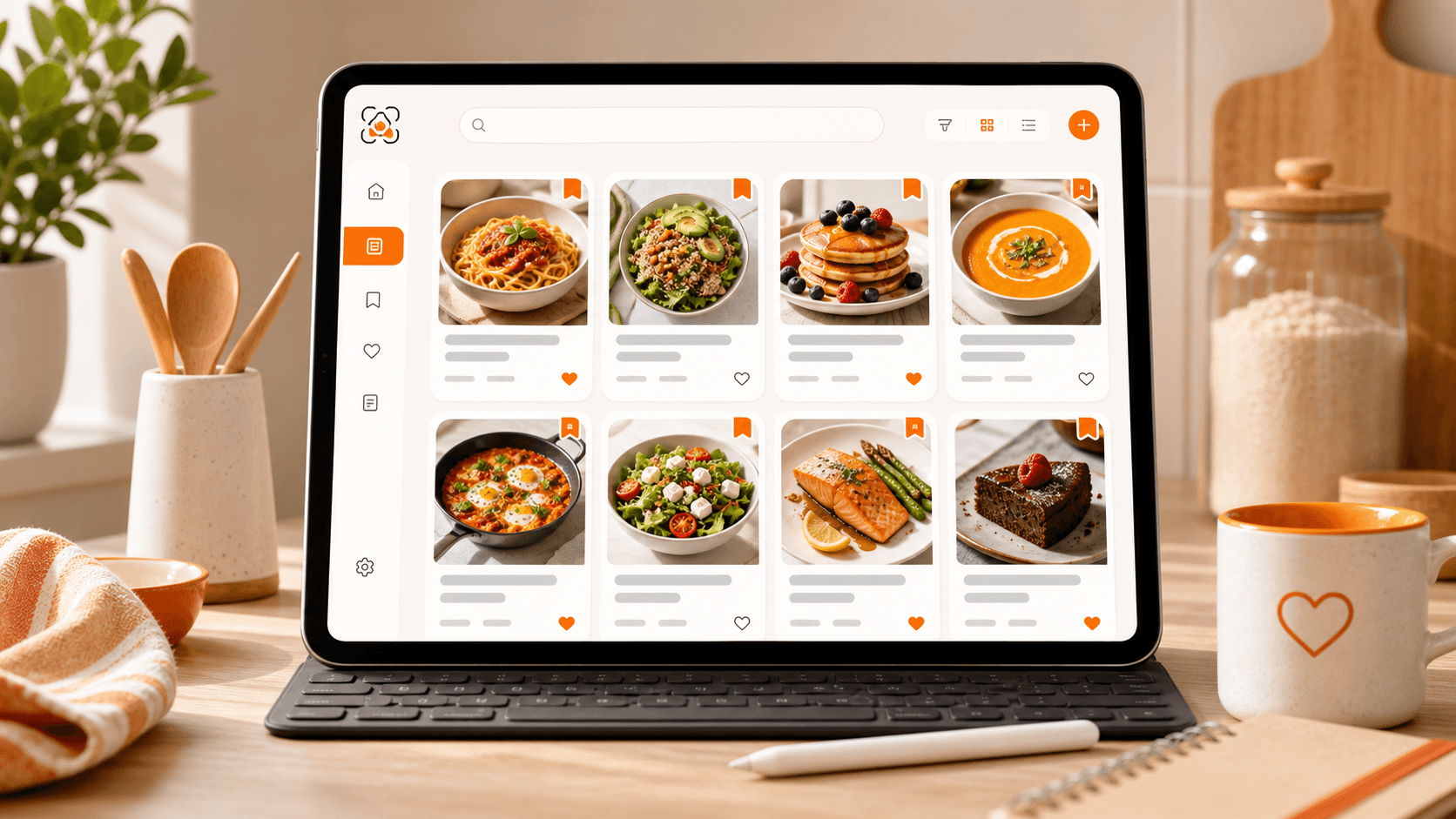
Organize recipes from social media, websites, PDFs and screenshots in a personal digital cookbook with search, favorites, notes and print.
Read the guideTry myCookSnap free and build your digital cookbook from links, photos, PDFs or text.
1 month of Plus included · No card required