Practical guides
Recipe sharing
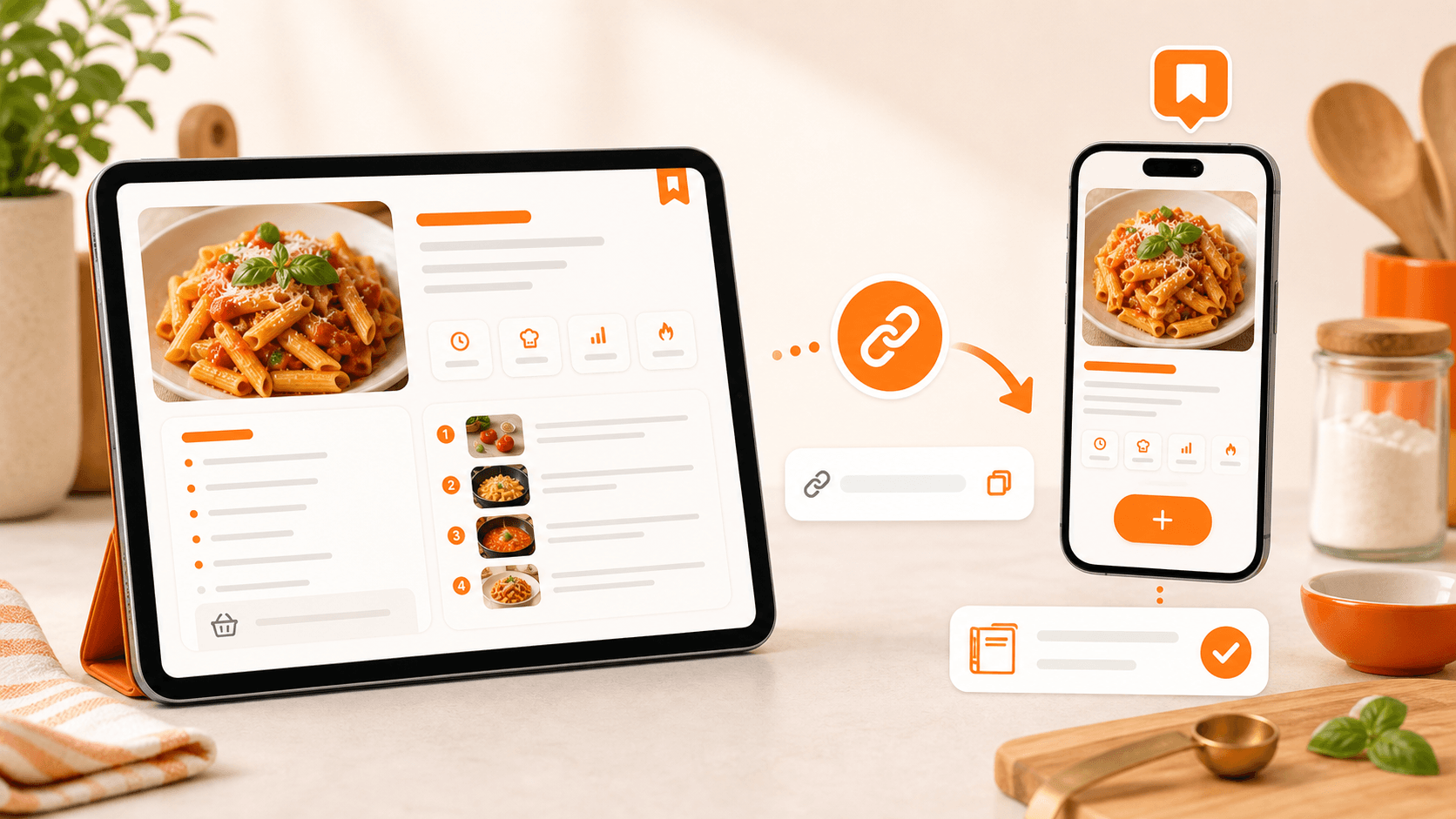
Share recipes with a simple, organized link
Send an organized recipe, not a screenshot lost in chat
1 month of Plus included · No card required · No charge
Demo
When a recipe works, you naturally want to share it. The problem is that screenshots, messy links and long messages get lost quickly.
Demo
See myCookSnap in action
Try a sample recipe and see how it becomes an organized card, ready to review and save.
No account needed to see the preview.
What you can do
Clean card
Account required
Personal copy
01
Share from the recipe card
Open a saved recipe and use the share command to create a dedicated link.
Send it by message, email or chat without copying ingredients and steps by hand.
The receiver opens a readable card, not a messy page or cropped screenshot.
02
The receiver enters myCookSnap
Shared recipes are viewed inside myCookSnap and require an account to be saved.
The receiver does not just open a one-time link: they can keep the recipe properly.
It is useful for friends, family and anyone who swaps recipes often.
03
Everyone can save their own copy
If they like the recipe, the receiver can add it to their personal cookbook.
From there, they can change quantities, servings, notes, images and favorites without changing your original recipe.
A simple share becomes something useful over time.
FAQ
Can the receiver edit my original recipe?+
No. If they add it to their cookbook, they work on a personal copy. Your recipe stays in your account.
Can I share with someone who does not have myCookSnap yet?+
Yes. They can create an account after opening the link and then save the recipe to their cookbook.
Practical guides
Keep exploring
Discover more ways to save, organize and use your recipes better.
Digital cookbook
Digital cookbook to save and find your recipes
Organize recipes from social media, websites, PDFs and screenshots in a personal digital cookbook with search, favorites, notes and print.
Read the guideSocial and web recipes
Save recipes from Instagram, TikTok, YouTube and blogs
Turn recipes from Instagram, TikTok, YouTube, blogs, websites and screenshots into organized cards saved in your digital cookbook.
Read the guidemyCookSnap guide
How myCookSnap works
myCookSnap turns recipes from social media, websites, PDFs, screenshots and notes into clean cards saved in your personal digital cookbook.
Read the guideStart with your first saved recipe
Build your digital cookbook from links, photos, PDFs or copied text.