Practical guides
Social and web recipes
Save recipes from Instagram, TikTok, YouTube and blogs
From reels, videos and blogs to a recipe card ready to cook
1 month of Plus included · No card required · No charge
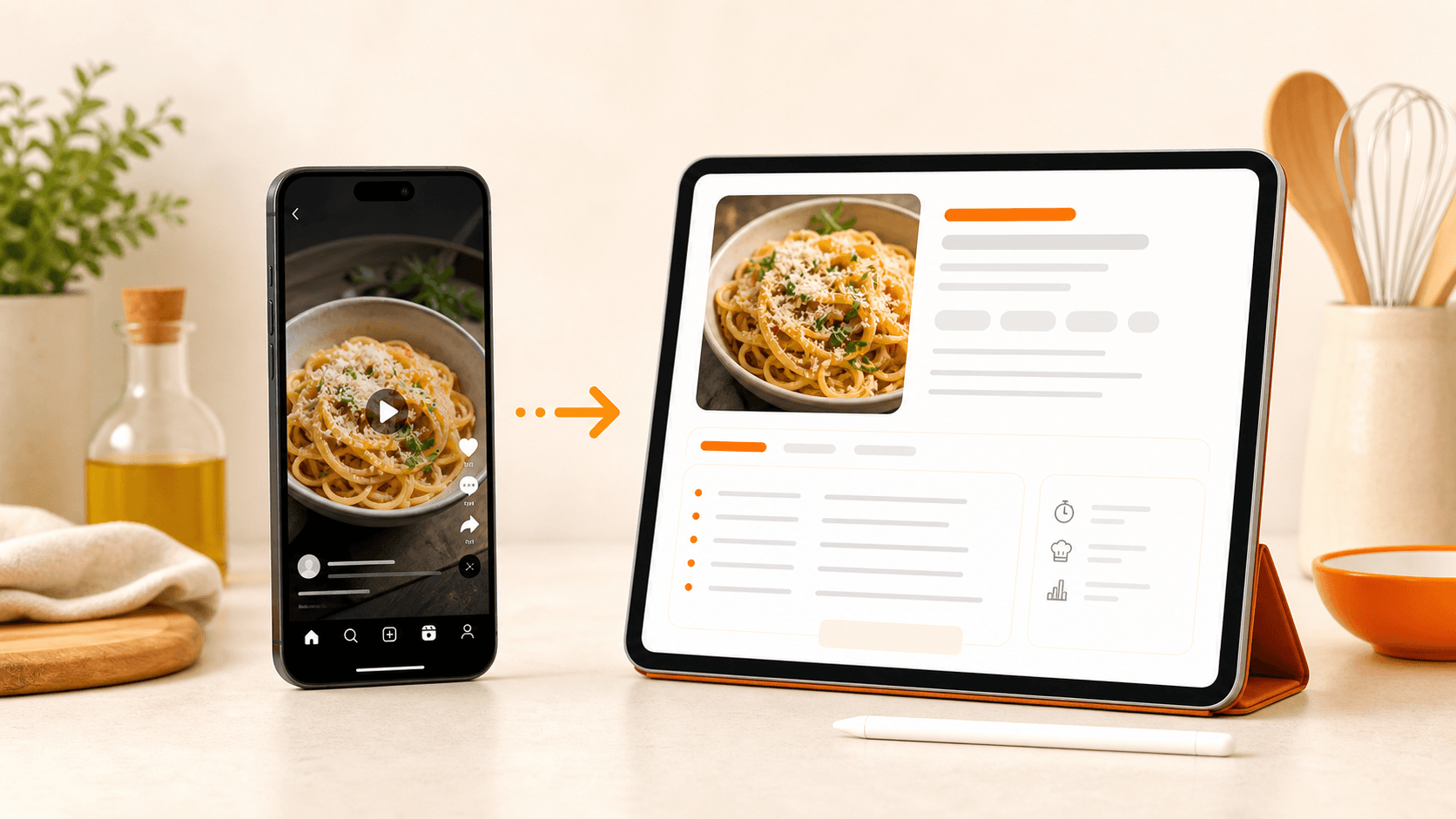
Demo
Every day you find recipes on Instagram, TikTok, YouTube, blogs and websites. The hard part is finding them again when you actually want to cook.
Demo
See myCookSnap in action
Try a sample recipe and see how it becomes an organized card, ready to review and save.
No account needed to see the preview.
What you can do
YouTube and blogs
Ordered screenshots
Editable draft
01
Start from the source you have
Paste an Instagram link, a TikTok video, a YouTube video, a web page or a food article.
When the source is readable, myCookSnap tries to collect title, image, ingredients, quantities and method, then turns them into an organized draft.
You do not need to rewrite everything: start from the original content and adjust only what needs attention.
02
Add context when the link is not enough
Many social recipes show ingredients in the video, steps in the description or quantities inside images.
You can add copied text, notes, screenshots in order or a PDF so myCookSnap has more context for a better draft. If the recipe is split across several screens, upload them in the right order: ingredients, quantities, steps and notes.
This also helps when a website is protected, incomplete or does not expose enough information through the link. If you only have ingredients, Personal Chef can create a new recipe from scratch.
03
Save a recipe that stays yours
Before saving, review every field: ingredients, servings, timing, photo, category and steps.
Once saved, the recipe goes into your personal cookbook and is no longer scattered across feeds, chats or saved posts.
When you need it, it is ready to cook.
FAQ
Can I save recipes from Instagram, TikTok and YouTube?+
Yes. Start from the link and add text, screenshots or PDFs when ingredients and steps are not automatically readable.
Can I save recipes from blogs and websites too?+
Yes. If the page is readable, myCookSnap uses the available data. If it is blocked or incomplete, you can add PDFs, screenshots or notes.
Practical guides
Keep exploring
Discover more ways to save, organize and use your recipes better.
myCookSnap guide
How myCookSnap works
myCookSnap turns recipes from social media, websites, PDFs, screenshots and notes into clean cards saved in your personal digital cookbook.
Read the guideDigital cookbook
Digital cookbook to save and find your recipes
Organize recipes from social media, websites, PDFs and screenshots in a personal digital cookbook with search, favorites, notes and print.
Read the guideShopping list
Shopping list from your recipes
Add ingredients from recipes to a shopping list grouped by recipe: ideal for remembering what is missing or creating a quick reminder.
Read the guideStart with your first saved recipe
Build your digital cookbook from links, photos, PDFs or copied text.