Practical guides
Digital cookbook
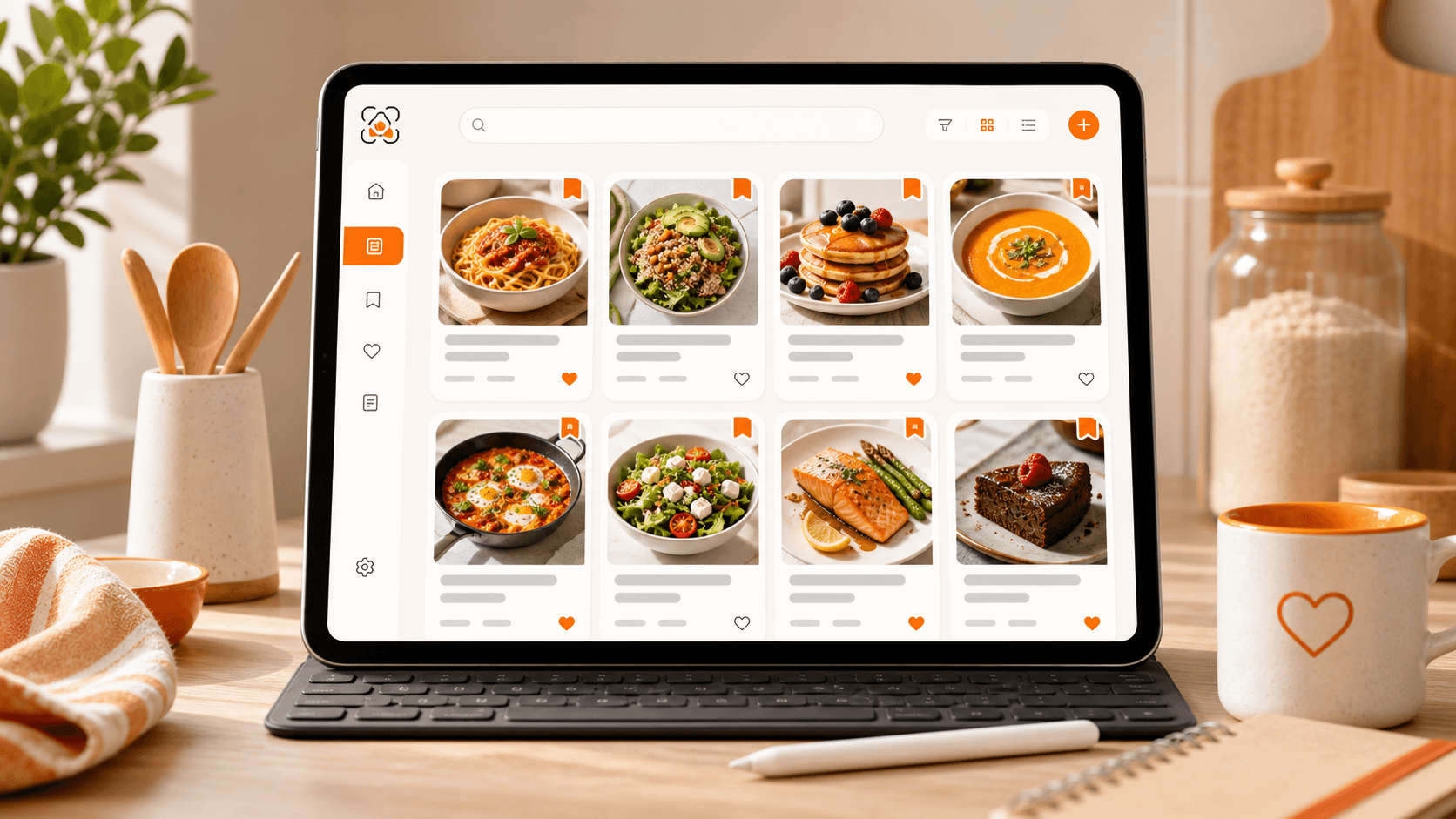
Digital cookbook to save and find your recipes
One place to find every recipe you actually want to cook
1 month of Plus included · No card required · No charge
Demo
A digital cookbook is more than storage: it turns scattered ideas into recipes you can really use.
Demo
See myCookSnap in action
Try a sample recipe and see how it becomes an organized card, ready to review and save.
No account needed to see the preview.
What you can do
Favorites
Personal notes
Clean print
01
Find the right recipe fast
When you save many recipes, keeping them is not enough: you need to find them quickly.
Search by title, ingredient, tag or category and open the card you need in seconds.
Perfect when you have one ingredient in the fridge and want to know what to cook.
02
Keep important recipes close
Favorite the recipes you cook often so they stay easy to reach.
Add personal notes, variations, reminders or changes you made while cooking.
Your cookbook becomes truly yours, shaped around how you cook.
03
Cook from a ready card
Each recipe can include image, ingredients, method, notes, scalable servings, allergens, kcal/100g and estimated Nutri-Score.
Edit it, print it or share it without bringing the whole original web page into the kitchen.
When you cook, you see only the information that matters.
FAQ
Is the cookbook personal?+
Yes. Recipes are saved under your account and are not shown to other users unless you choose to share them.
Can I edit a recipe after saving it?+
Yes. You can update ingredients, steps, photos, notes and details after saving.
Practical guides
Keep exploring
Discover more ways to save, organize and use your recipes better.
Social and web recipes
Save recipes from Instagram, TikTok, YouTube and blogs
Turn recipes from Instagram, TikTok, YouTube, blogs, websites and screenshots into organized cards saved in your digital cookbook.
Read the guideShopping list
Shopping list from your recipes
Add ingredients from recipes to a shopping list grouped by recipe: ideal for remembering what is missing or creating a quick reminder.
Read the guideRecipe sharing
Share recipes with a simple, organized link
Share a myCookSnap recipe with a link: the receiver can view it, create an account and save it in their own cookbook.
Read the guideStart with your first saved recipe
Build your digital cookbook from links, photos, PDFs or copied text.