Cooking from your phone should not feel awkward
When you follow a recipe on your smartphone, you often read a step, scroll back up to check an ingredient, then scroll down again and lose your place.
myCookSnap
Follow the recipe step by step without losing your place.
Ingredients and steps stay within reach, so you can cook from your phone without scrolling back and forth through the recipe card.
1 month of Plus included · No card required · No charge
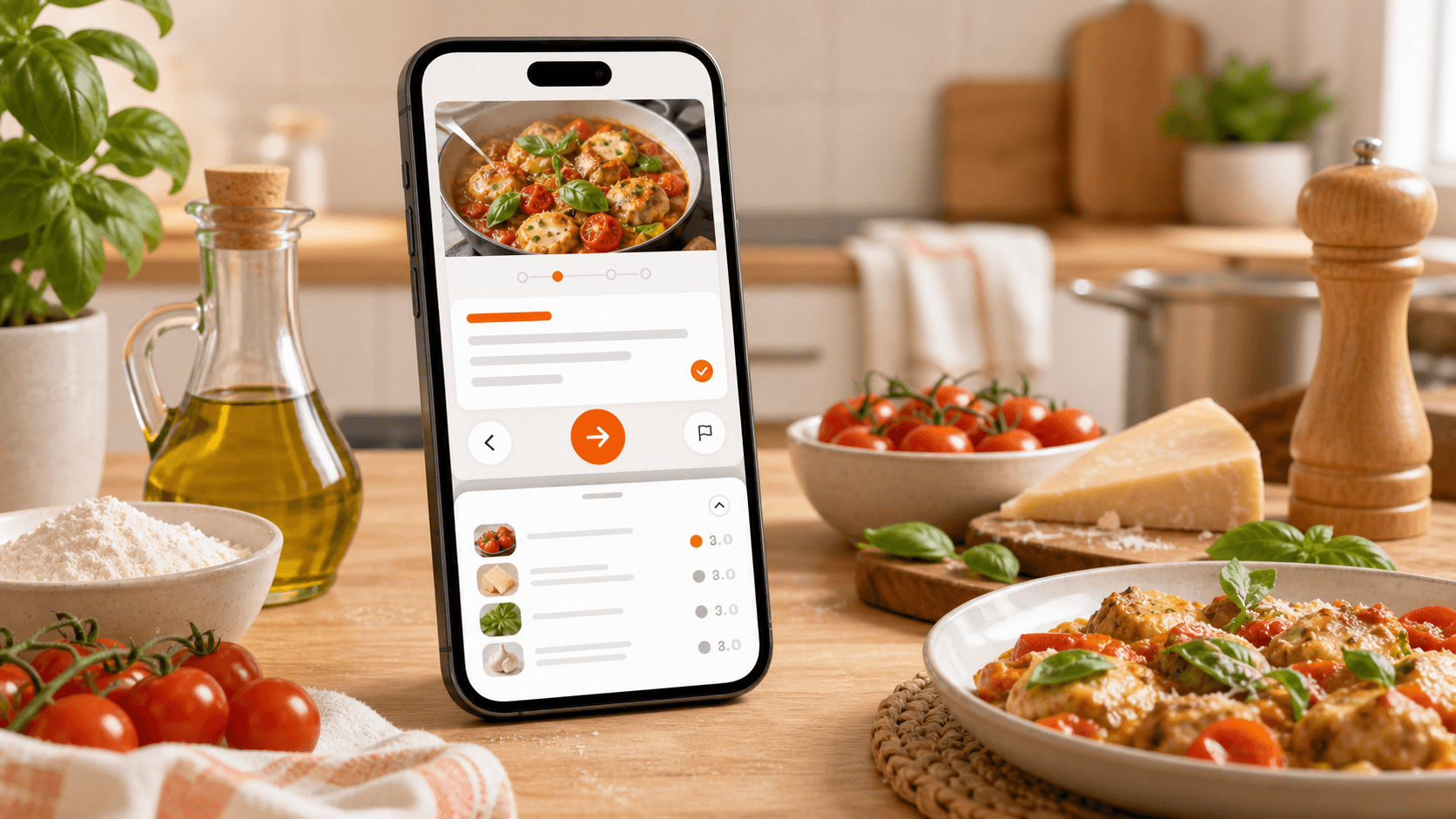
No more jumping up and down the recipe while you cook
When you follow a recipe on your smartphone, you often read a step, scroll back up to check an ingredient, then scroll down again and lose your place.
Open a saved recipe, tap “Cook” and follow it in a phone-friendly view: clear steps, ingredients you can bring up when needed and fewer distractions.
Choose a recipe saved in your digital cookbook.
The recipe opens in a more comfortable mode, designed for following it while you prepare the dish.
Read one step at a time and open ingredients when needed, without scrolling up and down the card.
Una app per seguire ricette passo passo deve togliere attrito: ingredienti e passaggi sono separati quando serve, ma sempre vicini mentre cucini con lo smartphone.
Read only what you need to do now.
Check quantities without leaving the current step.
Avoid moving up and down the recipe over and over.
Larger text, simple controls and fewer distractions.
When available, images help you understand the preparation.
Leave Cooking Mode and return to the complete recipe whenever you want.
Cooking Mode is for those moments when your phone is on the counter and you only want to know what to do next, without searching for ingredients and steps.
Cooking Mode works with recipes saved in your myCookSnap digital cookbook: imported from links, photos, PDFs, screenshots, text or created from scratch.
Open a sample recipe and see how myCookSnap makes it easier to follow from your phone.
No account needed to see the demo.
Open a saved recipe, tap the three-dot menu and choose “Cook”.
It helps you follow recipes from your phone more comfortably: clearer steps, ingredients at hand and less back-and-forth scrolling.
Yes. You can open ingredients when you need them without losing the current step.
Yes. You can use Cooking Mode with recipes saved in your digital cookbook.
No. Cooking Mode is included in the Free plan too.
Cooking Mode is made for following the preparation. To edit ingredients, quantities or steps, go back to the full recipe card.
Try a sample recipe or create your digital cookbook for free.