Practical guides
Personal Chef
Create custom recipes with what you have at home
From what you have in the kitchen to a complete recipe card
1 month of Plus included · No card required · No charge
Demo
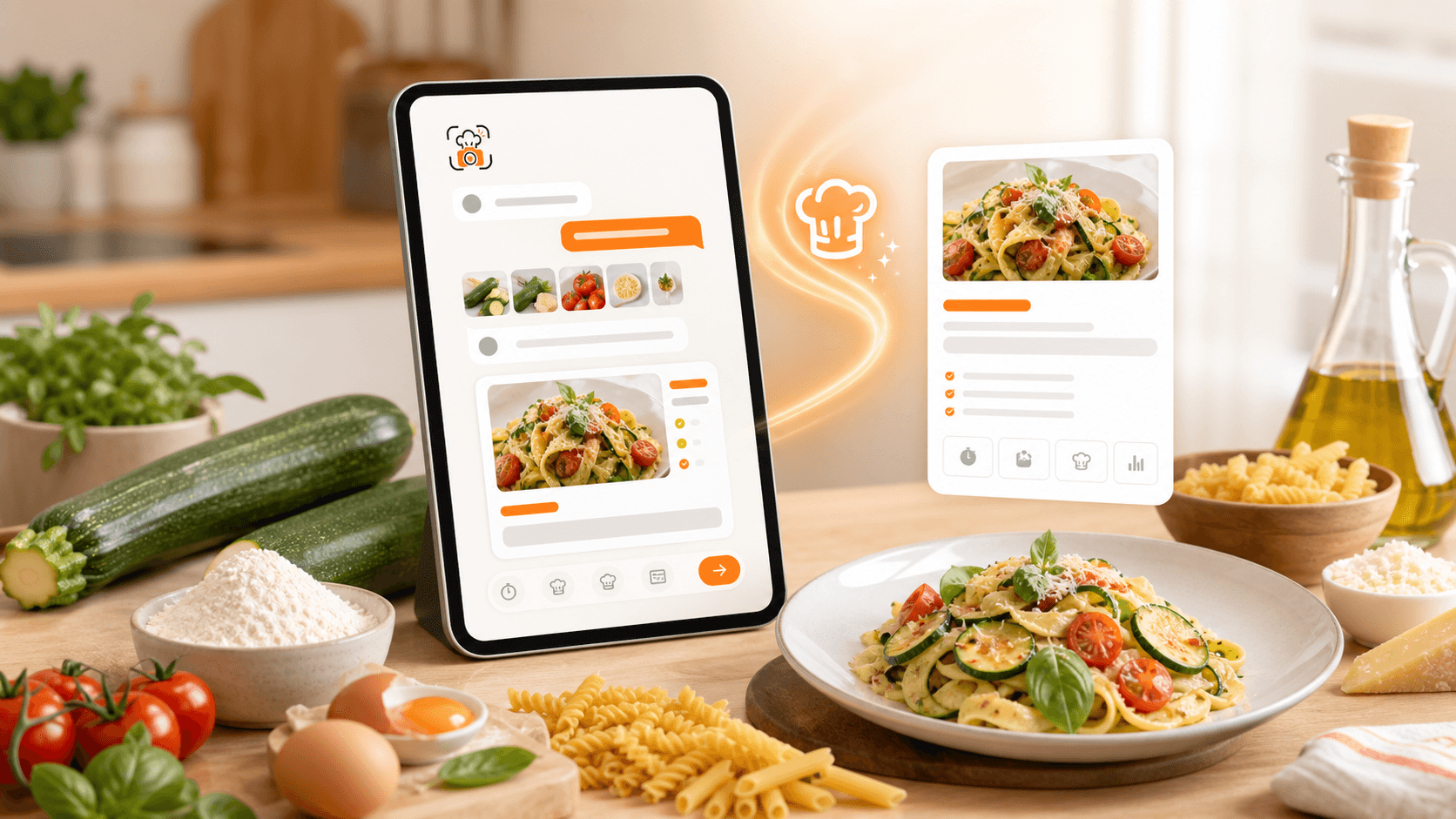
You do not always start from a link or a screenshot. Sometimes you only have a few ingredients and need a good idea fast.
Demo
See myCookSnap in action
Try a sample recipe and see how it becomes an organized card, ready to review and save.
No account needed to see the preview.
What you can do
Guided recipes
Generated photo
Save to cookbook
01
Start from ingredients, time and servings
Write what you have, how many people you are cooking for and how much time you want to spend.
Use quick buttons to steer the idea: first course, main, light, dessert, quick, kids or camper.
Personal Chef uses that context to create a concrete proposal instead of an open-ended generic chat.
02
Refine the idea before the card
When Personal Chef suggests a recipe, you can immediately ask for changes such as making it lighter, faster or without cream.
This helps you get closer to the way you actually cook before saving anything.
The flow stays guided: a few clear actions designed to reach a useful recipe quickly.
03
Generate and save a myCookSnap recipe
With Generate card, the idea becomes a standard myCookSnap recipe with title, image, ingredients, quantities, timing, steps, notes and tags.
You can review and edit every field before saving, just like recipes captured from social media, websites, PDFs or screenshots.
Once saved, it lives in your cookbook with the rest of your recipes, ready to edit, print or share.
FAQ
Does Personal Chef save the recipe automatically?+
No. It creates a proposal and then an editable card. You decide when to save it to your cookbook.
Can I use Personal Chef with only a few ingredients?+
Yes. Start with a short ingredient list and add limits such as time, servings, diet or preferences. The recipe card remains editable before saving.
Practical guides
Keep exploring
Discover more ways to save, organize and use your recipes better.
myCookSnap guide
How myCookSnap works
myCookSnap turns recipes from social media, websites, PDFs, screenshots and notes into clean cards saved in your personal digital cookbook.
Read the guideDigital cookbook
Digital cookbook to save and find your recipes
Organize recipes from social media, websites, PDFs and screenshots in a personal digital cookbook with search, favorites, notes and print.
Read the guideShopping list
Shopping list from your recipes
Add ingredients from recipes to a shopping list grouped by recipe: ideal for remembering what is missing or creating a quick reminder.
Read the guideStart with your first saved recipe
Build your digital cookbook from links, photos, PDFs or copied text.